Day 6 & 7
Call me Blair, cuz I am about to plagiarize capital with this entry. I was a little busy on the past few days so I only sporadically did some progress on pain(1).
Here's what you missed, in no particular order:
Added a notification bar at the top left of the screen, so you can get more feedback for actions that don't necessarily make the canvas change right away.
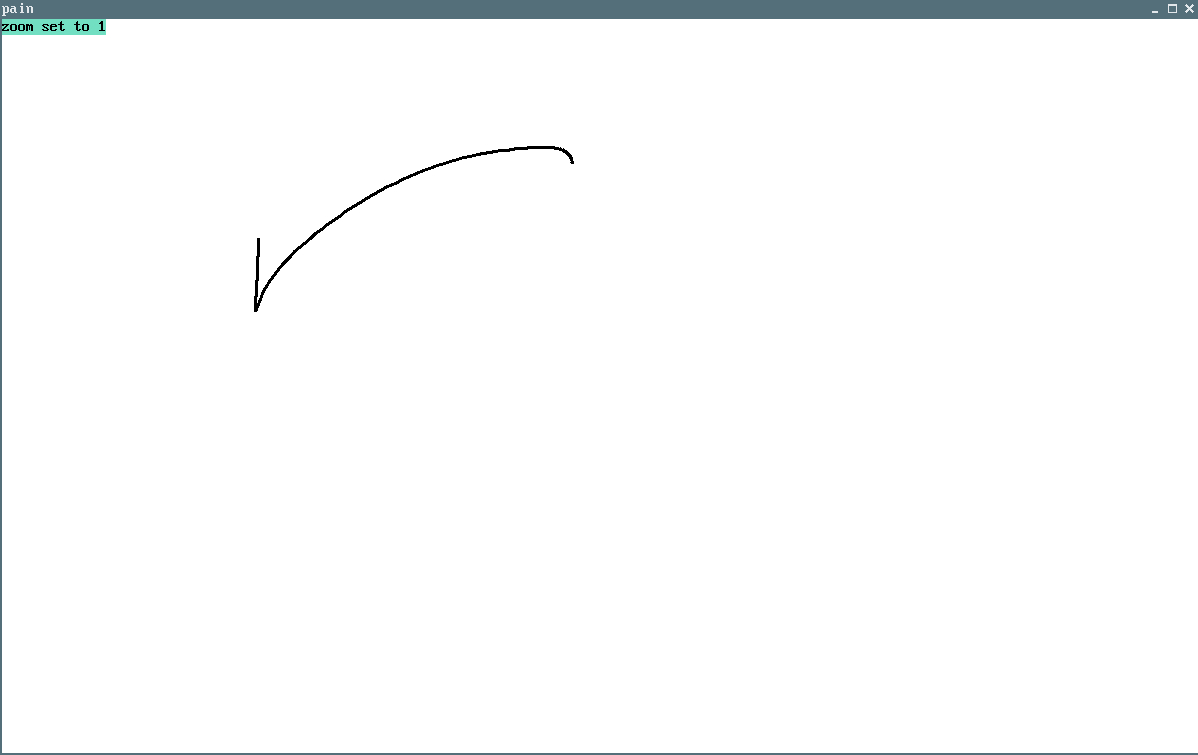
Added a bunch of new hotkeys
-Switch Mode (Clear (Reset (Save (New (Next (Previous (Canvas Size is now set to screen size when pain is first opened
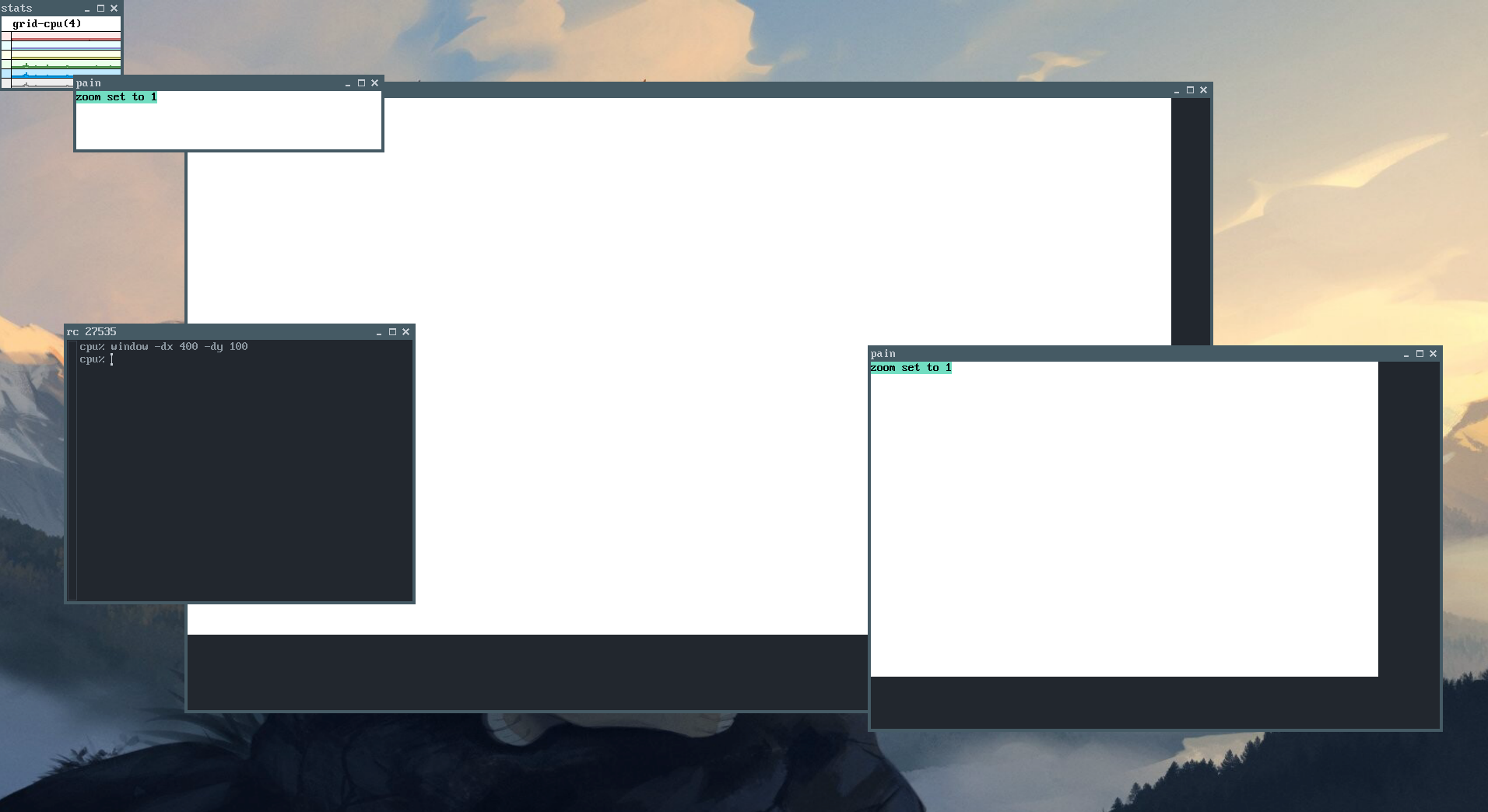
So now you can set the default size of the screen using window(1). I will be adding the option to do this from a command line argument (or an image fed from stdin) in the future however.
The input logic still sucks (among many other things), but I'm working on it
I still need to setup a repo for this (I might just push this to codeberg, but I'd like to be able to do it from 9front if possible), but you can get a copy of the code here.