Day 5
Lots of small fixes that honestly make pain(1) much more pleasant to use.
- Actually fixed the gameloop. I actually don't know what the hell I was thinking when I first wrote it. The current one isn't much better per say, but feels a lot smoother.
(I should probably put the whole code on a repo somewhere, if nothing else it would make it a lot easier to work with.)
Also I found out about the existence of etimer(2), which really helps a lot when trying to prevent event(2) from locking forever. I also tried ecanread(2) and eread(2), but eread still blocks and I didn't want to bother looking into that much more, so etimer(2) it is for now.
- Also fixed the input logic a bit, so now when I let go of the pen, the current layer is redrawn. Actually, that needs a bit of an explanation.
Given the way draw(2) works, it just sends commands to a terminal window when you call any of the draw functions (I think), which works really great for most applications. However, if you want to do something like drawing on an image, if you simply resend the image every time you do a change to it like if you were displaying a draw buffer, all you'll do is make the CPU running the terminal have a stroke and potentially send hundreds of raw images over the network. Overall very efficient stuff (/s).
My workaround (as in, I was too lazy to read paint(2) some more and do what they do), was to simply send the same commands that are done to the image to the terminal so it would render it on top of it's copy of the buffer. Now that works fine for an image that doesn't move and/or change size, which is rather inconvenient when you want to make a drawing app. For that however I just apply the same transforms on the operations locally as well on the terminal (for instance, if you zoom in and try to draw a line, I just tell the terminal to draw a thicker line, depending on the level of zoom). Now, when you resize or move an image, the whole image is being sent to the terminal (so it's like syncing the terminal buffer with the CPU one). The change I added now simply syncs the buffers when I lift the pen off the tablet.
As a nice to have, I added a clear (c key) command, which simply clears the current layer (more on that later), as well as changed the way canvas are moved. Now, when you want to move a canvas, you first have to hit space, move the cursor in the direction and distance you want to move the canvas on, and let space go. That way you can move it around without having to send a thousand copies of your drawings a minute.
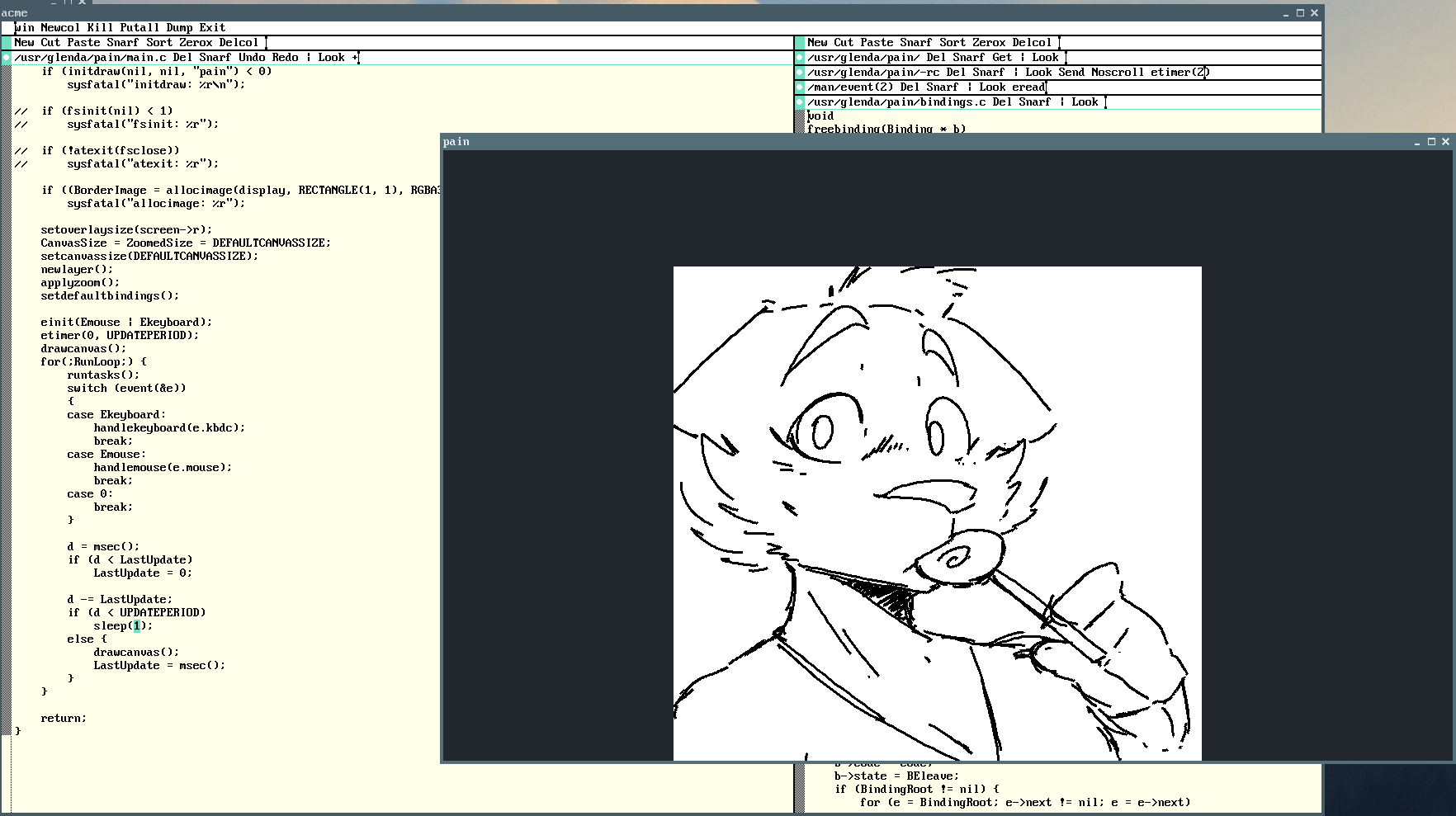
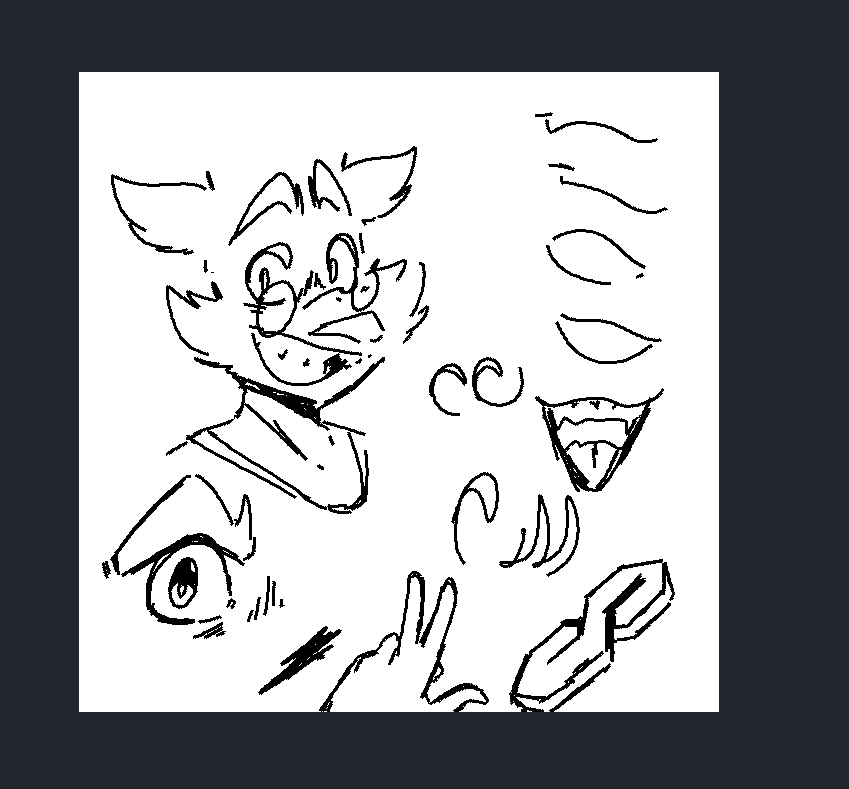
(here are some quick sketches I did using the current version of pain(1))